
Studio Lighting Setup for Product Renders in 3DS Max & V-Ray | Tutorial
- lisawolf3
- Aug 25, 2025
- 1 min read
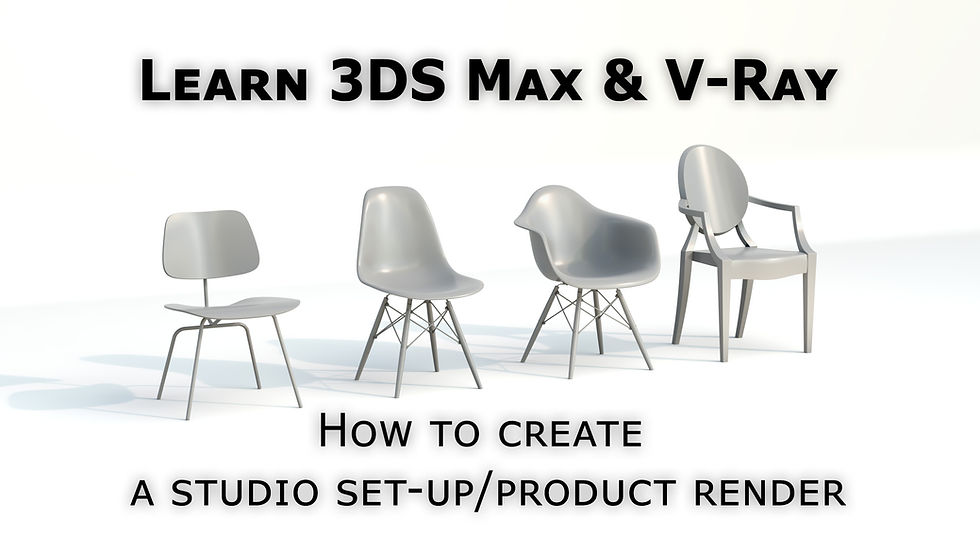
In this tutorial, I show you how to create a professional studio setup in 3DS Max with V-Ray. This workflow is perfect for product rendering—whether it’s sofas, jewelry, chocolate, beer, or other commercial items.
You’ll learn how to set up the studio space, which materials to use, and how to configure your lighting setups to achieve clean, photorealistic product renders. I also walk through my workflow and demonstrate some simpler techniques to make the process faster and more efficient.
Learn how to create photorealistic 3D visuals and animations with 3DS Max and V-Ray. At Leon51, we specialize in architectural visualization (archviz), CGI interiors and exteriors, realistic materials, lighting, and rendering workflows. Watch our tutorial to see professional techniques in action and elevate your 3D rendering and visualization skills.
Here is a link to the youtube tutorial.
Keywords/Tags:
3DS Max product render tutorial, V-Ray studio lighting, CGI product visualization, 3DS Max lighting setup, photorealistic product rendering, jewelry rendering V-Ray, furniture rendering tutorial, 3D rendering workflow



Comments