
How to model a Candle in 3DS Max & V-Ray | Architectural Visualization | The Mausoleum Lesson 09
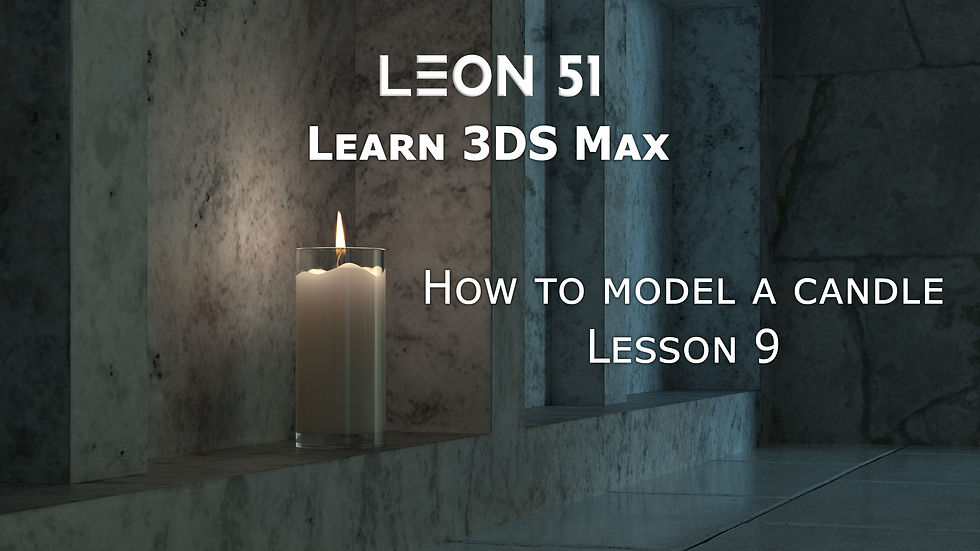
In this ninth lesson of The Mausoleum architectural visualization series, I demonstrate how to model a candle in 3DS Max. This is an important step before moving on to creating realistic materials and lighting in V-Ray, which I cover in the next tutorial.
I also show some workflow tips for modeling small props accurately while keeping the scene manageable for architectural visualization.
Resources used so far in the series:
Plaster texture: Textures.com
Damaged wall textures: Textures.com
Granite texture: Textures.com
Floor tiles texture: Textures.com
HDRI map: Viz People Free HDRI Maps
Here's a link to the youtube tutorial.
At Leon51 we create architectural visualization, photorealistic 3D rendering, and advanced V-Ray material workflows and we share our methods to help you achieve professional results in your 3D projects.
Keywords/Tags:
3DS Max candle modeling tutorial, V-Ray prop modeling, Mausoleum project lesson 09, architectural visualization candle, photorealistic 3D props, 3DS Max modeling techniques, archviz workflow, small props modeling V-Ray



Comments