
How to Create Cornices and Skirting in 3DS Max | Architectural Visualization Tips
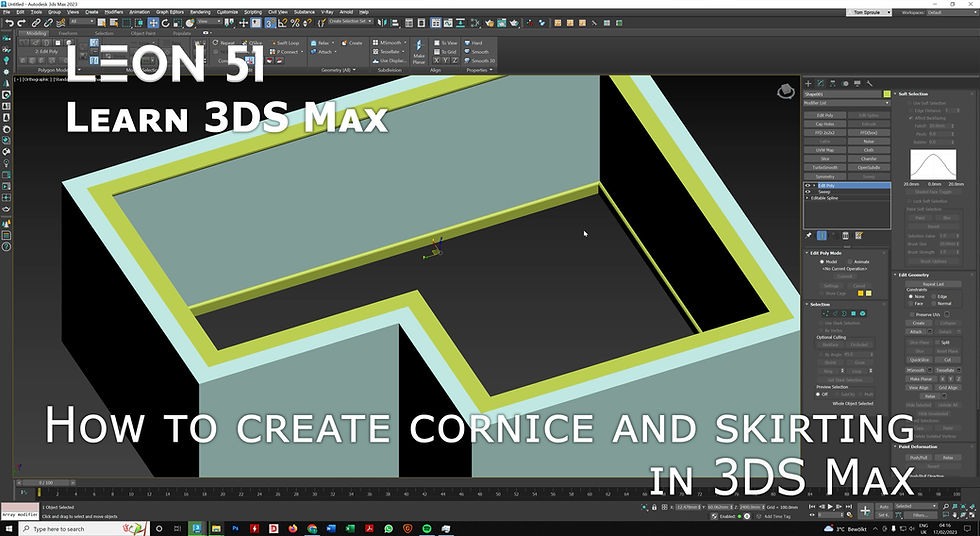
In this tutorial, I demonstrate how to create cornices and skirting boards in 3DS Max using the Sweep modifier. Perfect for architectural visualization (archviz) projects, this method simplifies repetitive modeling tasks and helps you build interior details quickly and accurately.
You’ll learn how to:
Use the Sweep modifier to create cornices and skirting
Adjust profiles and paths for custom interior details
Integrate your elements seamlessly into 3D interior scenes
Here is a link to the youtube tutorial.
At Leon51 we create photorealistic architectural visualizations and also focus on efficient 3D modeling workflows, photorealistic architectural visualization, and practical 3DS Max techniques for professional results.
Keywords/Tags:
3DS Max cornice tutorial, skirting board modeling, architectural visualization interiors, archviz 3D modeling, 3DS Max Sweep modifier, interior detail 3D tutorial, 3DS Max for archviz



Comments