
How to Create Acrylic and Plexiglass in 3DS Max with V-Ray | Photorealistic Plastic Material Tutorial
- lisawolf3
- Aug 28, 2025
- 1 min read
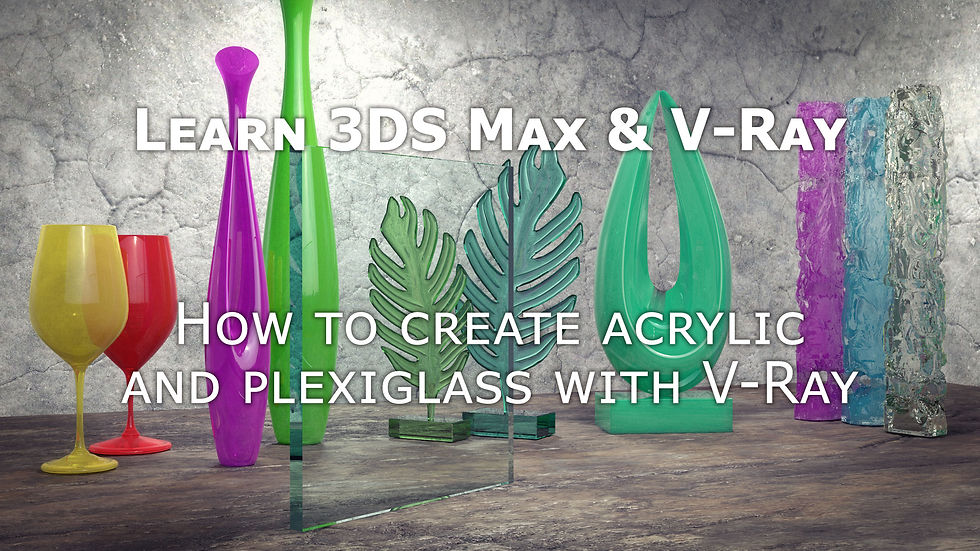
Learn how to create photorealistic 3D visuals and animations with 3DS Max and V-Ray. At Leon51, we specialize in architectural visualization (archviz), CGI interiors and exteriors, realistic materials, lighting setups, and rendering workflows.
In this tutorial I go over some of the quirks and oddities relating to acrylic and plexiglass and show you how to replicate their properties in V-Ray. You’ll learn how light should pass into acrylic, how to capture the look of the edges of plexiglass, and the subtle differences between these plastics.
By the end, you’ll understand exactly how to create acrylic in V-Ray and how to create plexiglass in V-Ray for photorealistic results.
Here is a link to the youtube tutorial.
Keywords/Tags:
V-Ray acrylic material tutorial, plexiglass shader 3DS Max, how to make acrylic in V-Ray, plexiglass material V-Ray, photorealistic plastic render 3DS Max, architectural visualization materials, V-Ray transparent materials, CGI plastic shaders



Comments